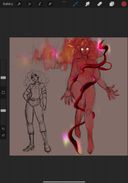
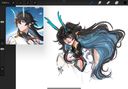
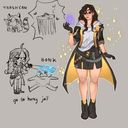
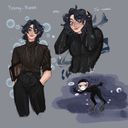
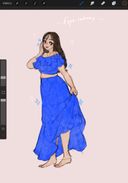
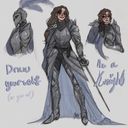
@rosiilinee_'s post on Artfol


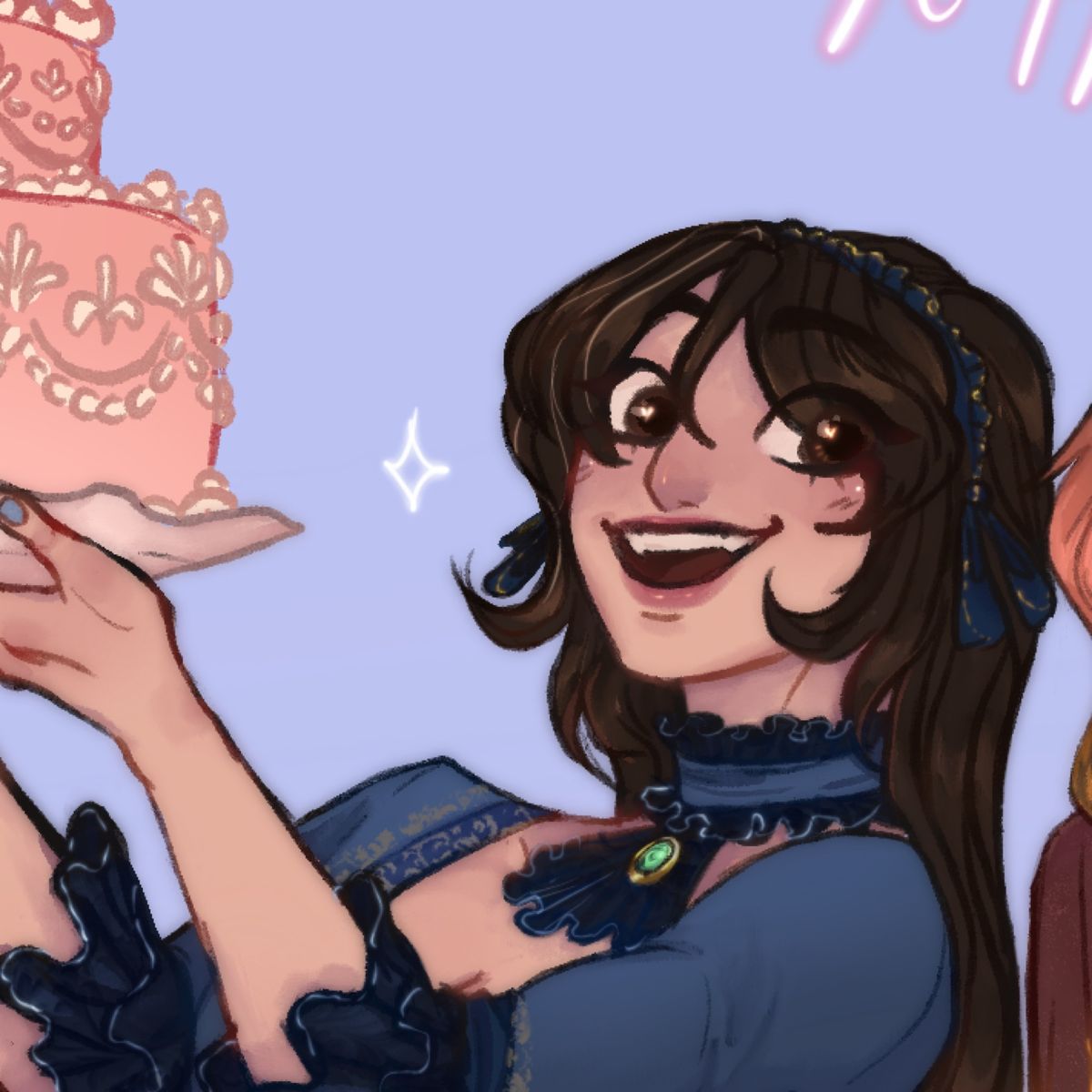

I don't know what to do about my image quality ;-; does anyone have any tips? Especially for transporting the drawing from my ipad to my phone ._.
Maybe it's the drawing app I use, or the quality just drops when I send it to my phone...or after editing it.
I'd think it's artfol but other artists' works look fine.
Ugh I'm sorry-Jun 6, 2021
Maybe it's the drawing app I use, or the quality just drops when I send it to my phone...or after editing it.
I'd think it's artfol but other artists' works look fine.
Ugh I'm sorry-Jun 6, 2021
#question
#tips
Comments
I usually just save as a jpeg and then to my photos. Airdropping it onto my phone, I don’t know if that’ll help but I have no problem with my quality transferring. Maybe this’ll help? :”) I wish you good luck, and I’m hoping you find an easy way

•
I honestly just email my art to myself and I don't have too much of a problem. I wonder if it's the brushes that you use for your lines? If they have soft edges, it might come out looking strange once exported to JPEG or PNG. I've had similar issues with using soft-edged brushes in the past in my artwork.

•
what do you use to send it over? Whenever I do digital, I use google drive, and the quality never drops

•
•I save a separate file copy that's smaller in size without changing the dpi, it usually has less of an effect crunchitizing the image

•
You could upload your drawings to Google drive! It keeps the quality but phone usually does kill the quality a bit, but for transferring I think google drive is the best at keeping the quality

•
Higher resolution, PNG format and send it as directly to your phone as possible maybe by a cloud storage or airdrop something like that since other services might compress it along the way

•
•i usually save my art as png before transferring and it retains the same quality hmm maybe check ur resolution that u work on also what drawing app do u use?

•
•