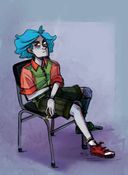
@theonlyblu's post on Artfol

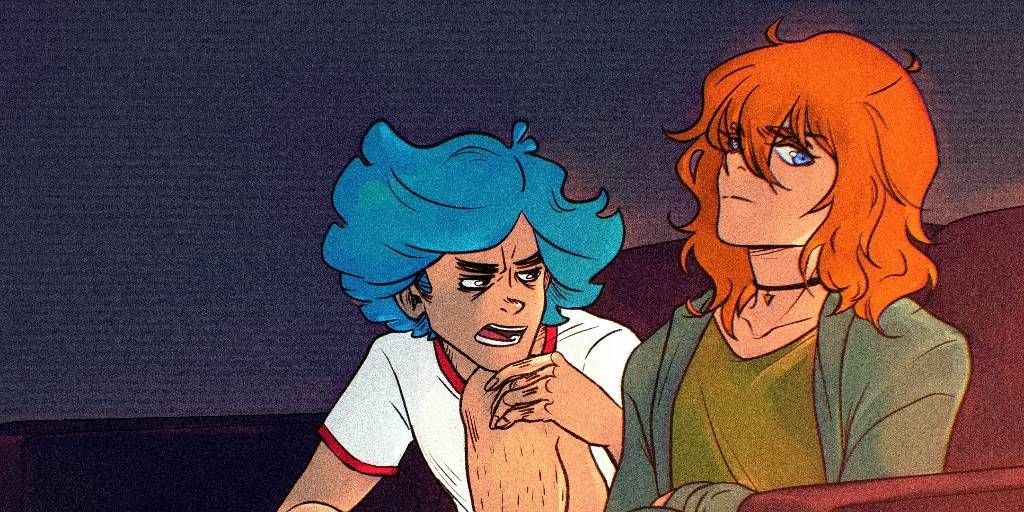
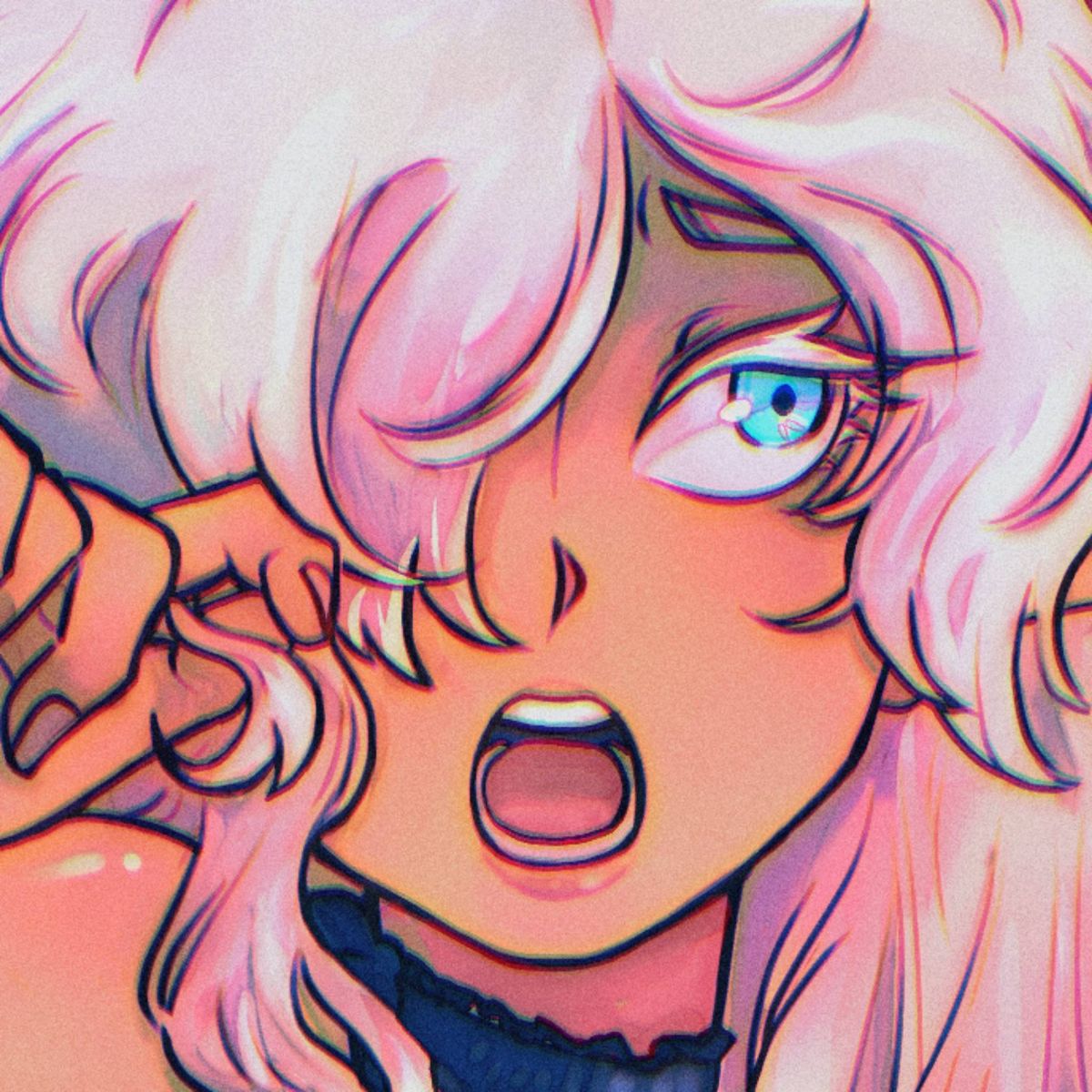
@theonlyblu
Canada
Colorful drawings melted with occult aesthetic. /WARNING\ It may burn your retina
 Question of the day
 To all digital artists here :
Whats the magic tip you found one day that changed your life to draw digitally? Tell me what software do you use too!
For me it was both "color dodge" effect for lights and "fill the gap" with the bucket tool of clip studio paint, because I'm so lazy to do flats so that helped me save a lot of time!Apr 12, 2021
#question
#digital
#art
Comments
Clip Studio is my go to for everything, has been for years - I found out recently that ctrl+space let’s you zoom with your stylus and ctrl+alt let’s you resize your brush with it! Far too recently >~<

•
•When I finally found out why my transformed stuff was getting all blurry! When I switched the selection settings away from 'nearest neighbor' to billinear, my life became instantly changed (this is in procreate but could apply to others maybe)
•
•The day I learn how to get rid of that white border when using the fill tool in Krita will be the day my whole life will be changed.
What definitely changed a lot was when I found out how to do gradients. Oh and when I figured out alpha layers. AND most important of all, the day I was finally able to make frames into a video. Animatic time babey (even though I haven't done / completed a lot yet)

What definitely changed a lot was when I found out how to do gradients. Oh and when I figured out alpha layers. AND most important of all, the day I was finally able to make frames into a video. Animatic time babey (even though I haven't done / completed a lot yet)
•
•I’m embarrassed how long it took me to learn about clipping masks and now I can’t imagine life without them.

•
•It was the day i learned that i could use filter effects like overlay.
Not only that but if you’re more into manual shading, overlay/softlight/hardlight really helps me with understanding different shading tones and such. Using it enough you’ll be able to shade manually and understand color mixing without even thinking too hard about it

Not only that but if you’re more into manual shading, overlay/softlight/hardlight really helps me with understanding different shading tones and such. Using it enough you’ll be able to shade manually and understand color mixing without even thinking too hard about it
•
•I use krita and it's a really simple thing that I just hadn't thought of for the longest time but basically just being able to resize and move layers!

•
•

I use procreate and for me it was using a grey scale layer set to multiply  it has totally changed my workflow
 it has totally changed my workflow
 •
•(i started out with firealpaca->paint tool sai->clip studio paint!)
honestly? it was just the fact that i could press the magical undo button and voila the entire sketch i JUST drew could be started over! also the fact that digital art is just... so much cheaper than traditional! AND ALL THE COLORS ARE THERE FOR U

honestly? it was just the fact that i could press the magical undo button and voila the entire sketch i JUST drew could be started over! also the fact that digital art is just... so much cheaper than traditional! AND ALL THE COLORS ARE THERE FOR U
•
•I use procreate on the iPad
Useful stuff would be:
- perspective blur (gives amazing effect and let’s viewer have a focal point)
- multiply layer for shading
- add and colour dodge for shine and light :)
- having one normal layer of colour than duplicating it and making it an add layer and using gaussian blur+lower opacity makes it glow
- also doing smudging shading with a textured brush eg. Paintbrushes makes the artwork look more traditional and cool

Useful stuff would be:
- perspective blur (gives amazing effect and let’s viewer have a focal point)
- multiply layer for shading
- add and colour dodge for shine and light :)
- having one normal layer of colour than duplicating it and making it an add layer and using gaussian blur+lower opacity makes it glow
- also doing smudging shading with a textured brush eg. Paintbrushes makes the artwork look more traditional and cool
•
•I use photoshop and recently found out there’s an option to add so-called adjustment layers that you can adjust hues, saturation etc with! Super helpful for when the drawing doesn’t have the exact “vibe” I’m going for or when the colors look a bit off. The adjustment layer sits over the whole drawing or over whatever layers you want to correct so it can always be deleted or changed without affecting the original drawing :)

•
•I use Krita! Figuring out layer groups was revolutionary haha. Also, finding all the morph settings ((e.x. mesh, cage, etc.)) was very helpful.

•
•For me it was the select fill + liquify tools in Procreate, and in CSP it was figuring out the fill bucket to fill in gaps! ^^ the CSP fill tool is just so good,,, I wish it was in Procreate haha

•
•WRONG LATER? NO PROBLEM! If you line in black over your sketch, go to hue/saturation/luminosity and drop the saturation down to 0, it'll turn everything grayscale, then, go to brightness/contrast, and set the contrast to 100%. The lines will remain black while the sketch turns white. Then! And where this option is depends on your art software, i use clip studio and it's in edit > convert brightness to opacity, BOOM, everything white is now transparent and your linework is saved!  I remember the option was also there in paint tool sai, but i haven't found it in procreate so i don't think it's there yet.
 I remember the option was also there in paint tool sai, but i haven't found it in procreate so i don't think it's there yet.
•
•I use Ibis Paint X!~
and the magic tip for me?
I have to say the Layers, as before I used Ibis Paint X, all of my over softwares I used to draw on never had any other layers I could use!

and the magic tip for me?
I have to say the Layers, as before I used Ibis Paint X, all of my over softwares I used to draw on never had any other layers I could use!
•
•