@nata1ieUA's post on Artfol


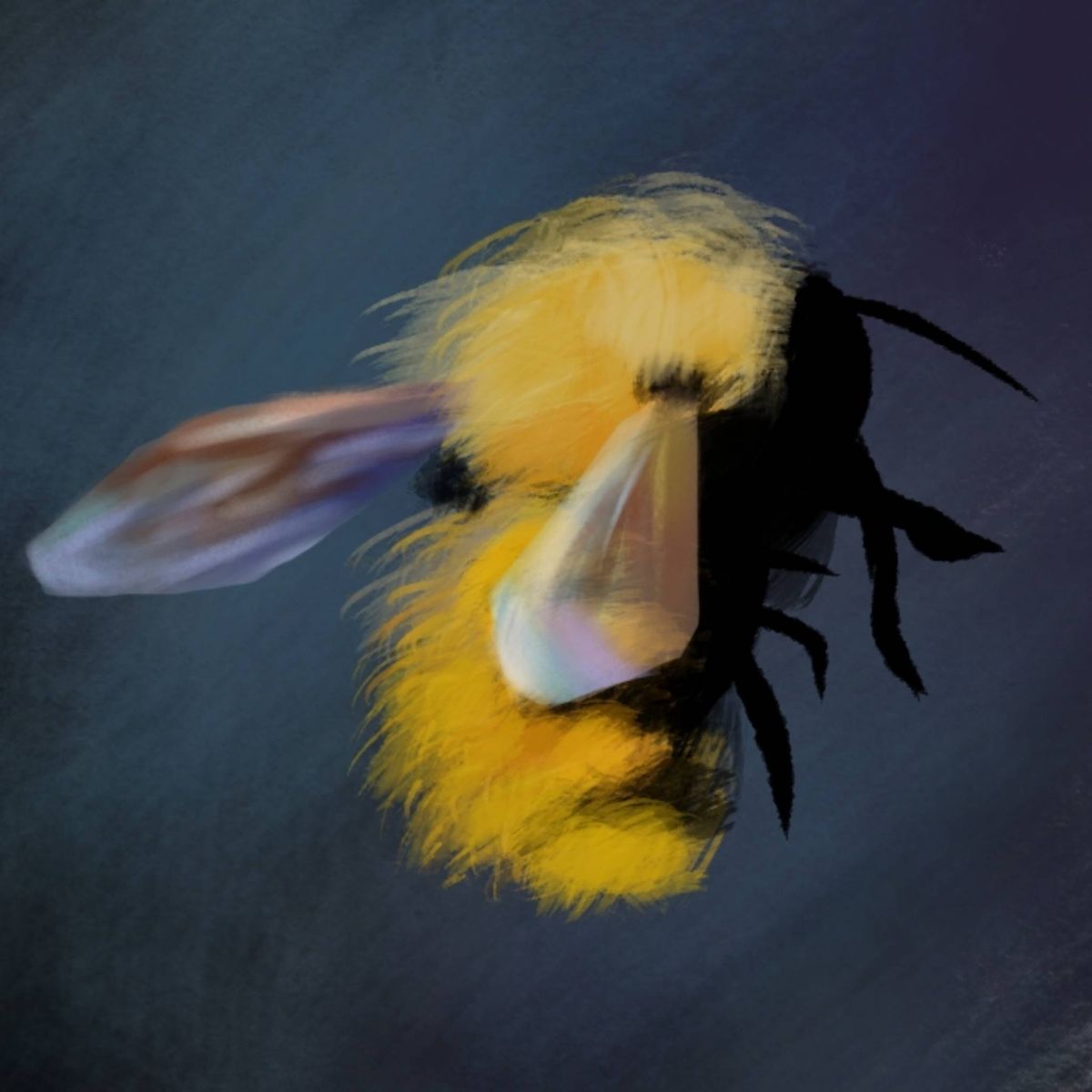

RANDOM ART HACK #1
Ok, so, first disclaimer: I am glad you all liked the idea, even though I am still very nervous to be taking the responsibility to be giving advice like that (and sharing my teacher's wisdom while I am still just a tiny student). Please bear in mind that whatever works for me doesn't have to work for you, and take everything with a pinch of salt.
Also, I am starting the tag #randomarthacks so that it's easier to find them all in the future.
On to the hack:
Today we're talking digital.
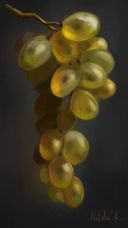
First of all... NEVER USE BLENDING TOOL TO BLEND COLORS. This tool is good to create certain effects, but if you use it to blend colors it will look blurry and dirty, and you won't be able to control colors the way you want. You have to go the hard way and learn to blend colors naturally.
A good way to practice this is take two colors, lets say blue and yellow, make two swatches on your canvas. Then set your brush opacity to 50%, pick color green and place it over yellow. Then pick the color that you ended up with and put it over green, and so on as many times as you want. Eventually you'll have a nice smooth gradient from blue to yellow. Try using this method to blend 2 or 3 or 4 colors. You'll have a nice smooth color gradient cloud sorta thingy.
A good tool to help with color control in Photoshop is an extension called Coolorus. First of all, it's a proper color CIRCLE (F Photoshop for not including the most basic tool in the standard version, but whatever). It also has a "mixer" that will mix two colors for you if you're lazy, but don't rely on it too much, learn proper blending anyway. Yes, it requires getting used to, I know. You can do it. I believe in youMay 7, 2021
Ok, so, first disclaimer: I am glad you all liked the idea, even though I am still very nervous to be taking the responsibility to be giving advice like that (and sharing my teacher's wisdom while I am still just a tiny student). Please bear in mind that whatever works for me doesn't have to work for you, and take everything with a pinch of salt.
Also, I am starting the tag #randomarthacks so that it's easier to find them all in the future.
On to the hack:
Today we're talking digital.
First of all... NEVER USE BLENDING TOOL TO BLEND COLORS. This tool is good to create certain effects, but if you use it to blend colors it will look blurry and dirty, and you won't be able to control colors the way you want. You have to go the hard way and learn to blend colors naturally.
A good way to practice this is take two colors, lets say blue and yellow, make two swatches on your canvas. Then set your brush opacity to 50%, pick color green and place it over yellow. Then pick the color that you ended up with and put it over green, and so on as many times as you want. Eventually you'll have a nice smooth gradient from blue to yellow. Try using this method to blend 2 or 3 or 4 colors. You'll have a nice smooth color gradient cloud sorta thingy.
A good tool to help with color control in Photoshop is an extension called Coolorus. First of all, it's a proper color CIRCLE (F Photoshop for not including the most basic tool in the standard version, but whatever). It also has a "mixer" that will mix two colors for you if you're lazy, but don't rely on it too much, learn proper blending anyway. Yes, it requires getting used to, I know. You can do it. I believe in youMay 7, 2021
#randomarthacks
#photoshophacks
#coolorus
#education
Comments