@kaithunder67's post on Artfol

 ️Kai
️KaiBig art question.
How do you guys do your shading? Simple cartoon shading? Cel? Blending? Please tell me your secrets Jun 21, 2023
How do you guys do your shading? Simple cartoon shading? Cel? Blending? Please tell me your secrets
Jun 21, 2023#question
Comments

The way I draw is weird... I am a pixel and digital artist in the end but I approach art similar to oil painting where shading isn't seen as adding a shade but as colour blocking an entirely new shape- so I don't see a shadow I see an entirely new blob to draw in (identify its hue, saturation, brightness, etc.) And draw it as I see the shape- not as a shadow but a unique area to a puzzle... No airbrushes, opacity changes, blending, etc. (No colour underneath either)- just see a colour, the shape and draw it as is

•
•I slap em multiply/linear burn layers (or whatever fits) on top with a rough “cast shadows here, form shadows there“ mindset, somewhat akin to loose cel shading. And then go into rendering them if I have the time and motivation. That part leans more painterly

•
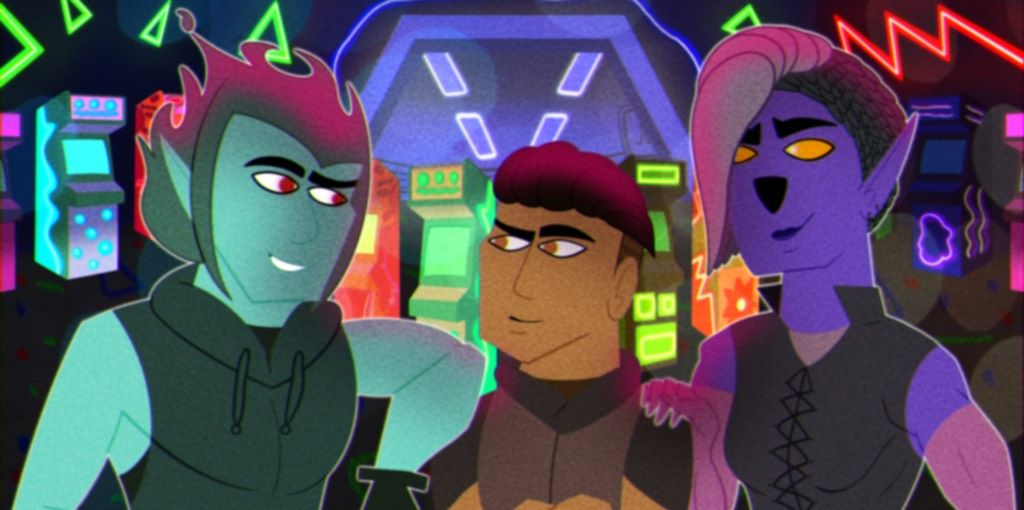
•I prefer to do cel shading for digital pieces if I shade at all. I often add noise textures or little edge patterns or use a saturated color to outline the shadows to make it more interesting. I can do blended shading digitally pretty well but it doesn't really feel like "me."
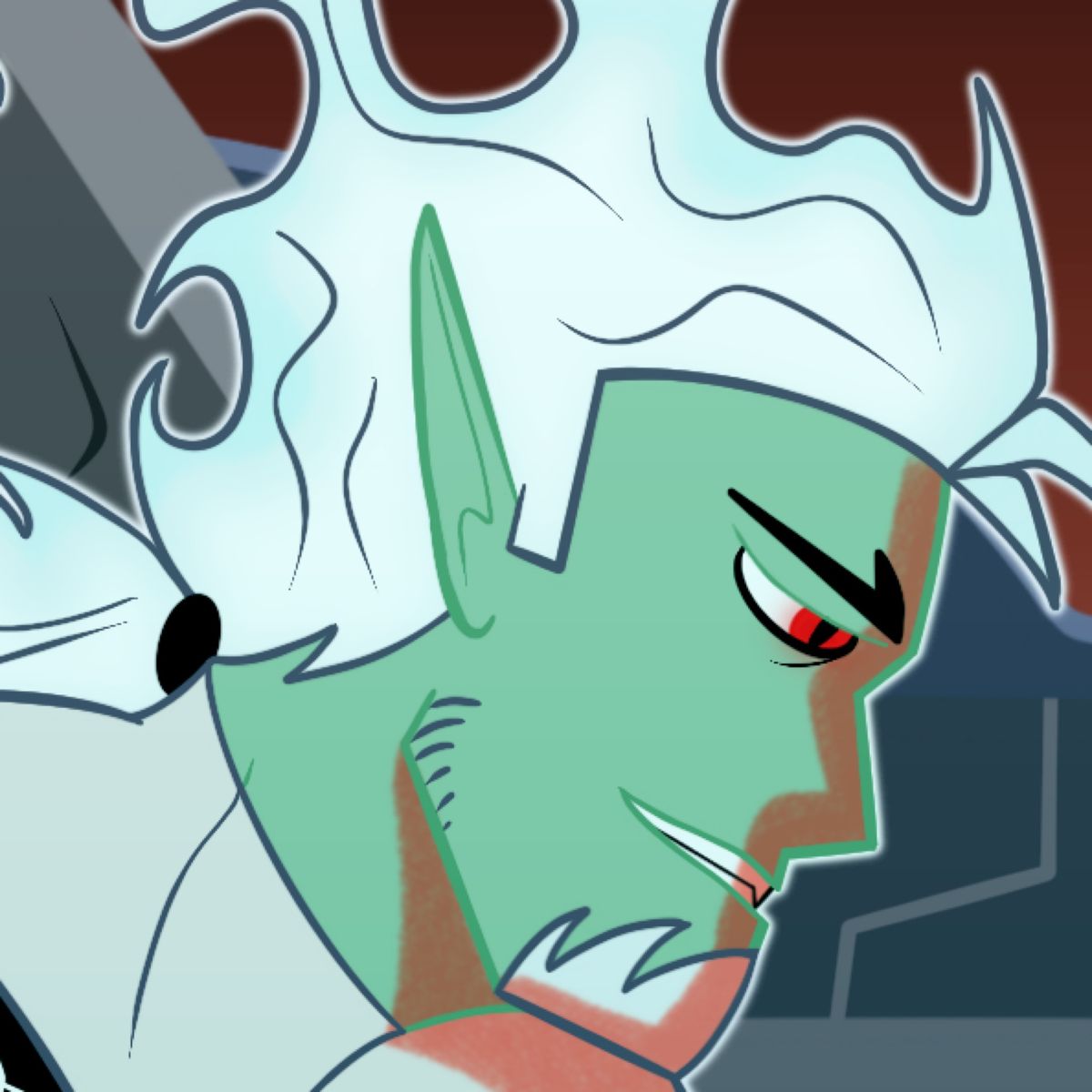
In my traditional art, which is colored with markers, it's like a "soft" cel shading, where I do a bit more rendering and smoothing so it looks more painterly. But it still looks pretty cel-shaded rather than fully rendered.


In my traditional art, which is colored with markers, it's like a "soft" cel shading, where I do a bit more rendering and smoothing so it looks more painterly. But it still looks pretty cel-shaded rather than fully rendered.
•
•i think it's a bit of both. i use soft shading for more subtle shadows like in the faces and cel shading for hard shadows. I usually just eyeball the shadow color as long as they fit the environment. if I think the value is off, i usually fix it using gray scale

•
•
I love going ham with soft brushes until it looks half decent
I’m not a fan of smudging and blurring because of how terrible it is on IbisPaintx, so I just turn opacity down to blend

I’m not a fan of smudging and blurring because of how terrible it is on IbisPaintx, so I just turn opacity down to blend
•
•

First i put down a layer with the airbrush on multiply, then i make it smooth. Then i cel shade ontop of that. I put the softer shading below and it makes the cel look like it has a gradient when i lower the cel opacity. Then I usually add a overlay layer below both of them for saturation, but mostly for the base color . It really brings out the color!
•
•
What I do is I have a brush that has a built in edge, for soft natural shading. That still gets the sharp edge for natural shading ( bad with words) and for cel shading personally I use a lasso tool that is set to fill. I use procreate. I don’t know what app you use but that’s what I use, speaking from procreate stand point.

•
•