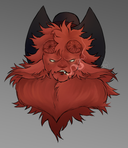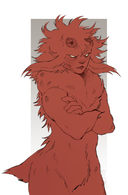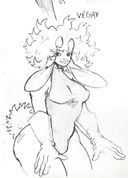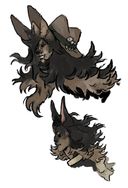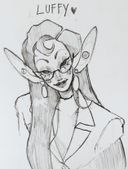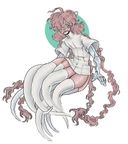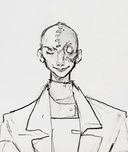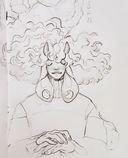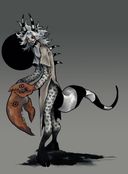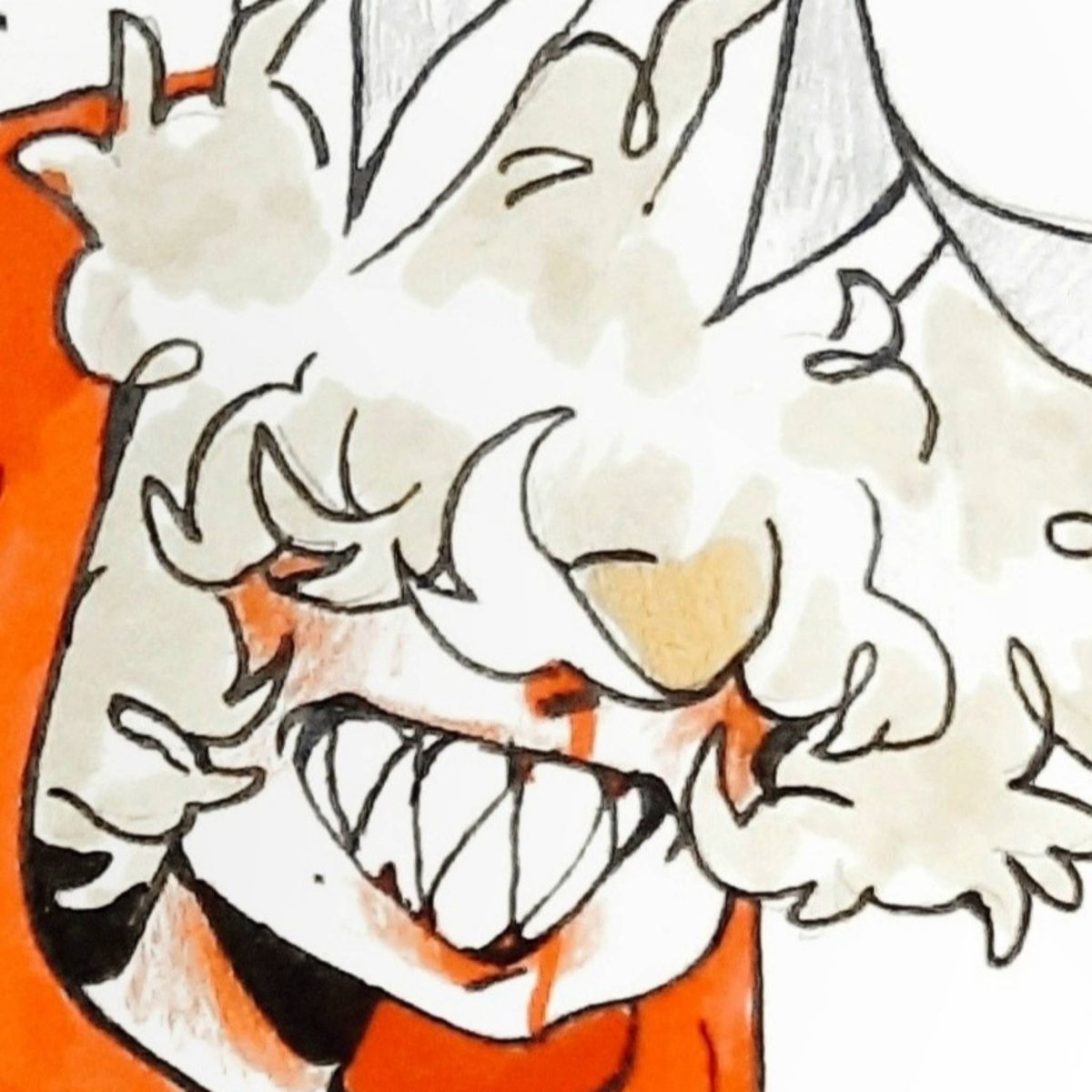

 Doodles from inside my sketchbook
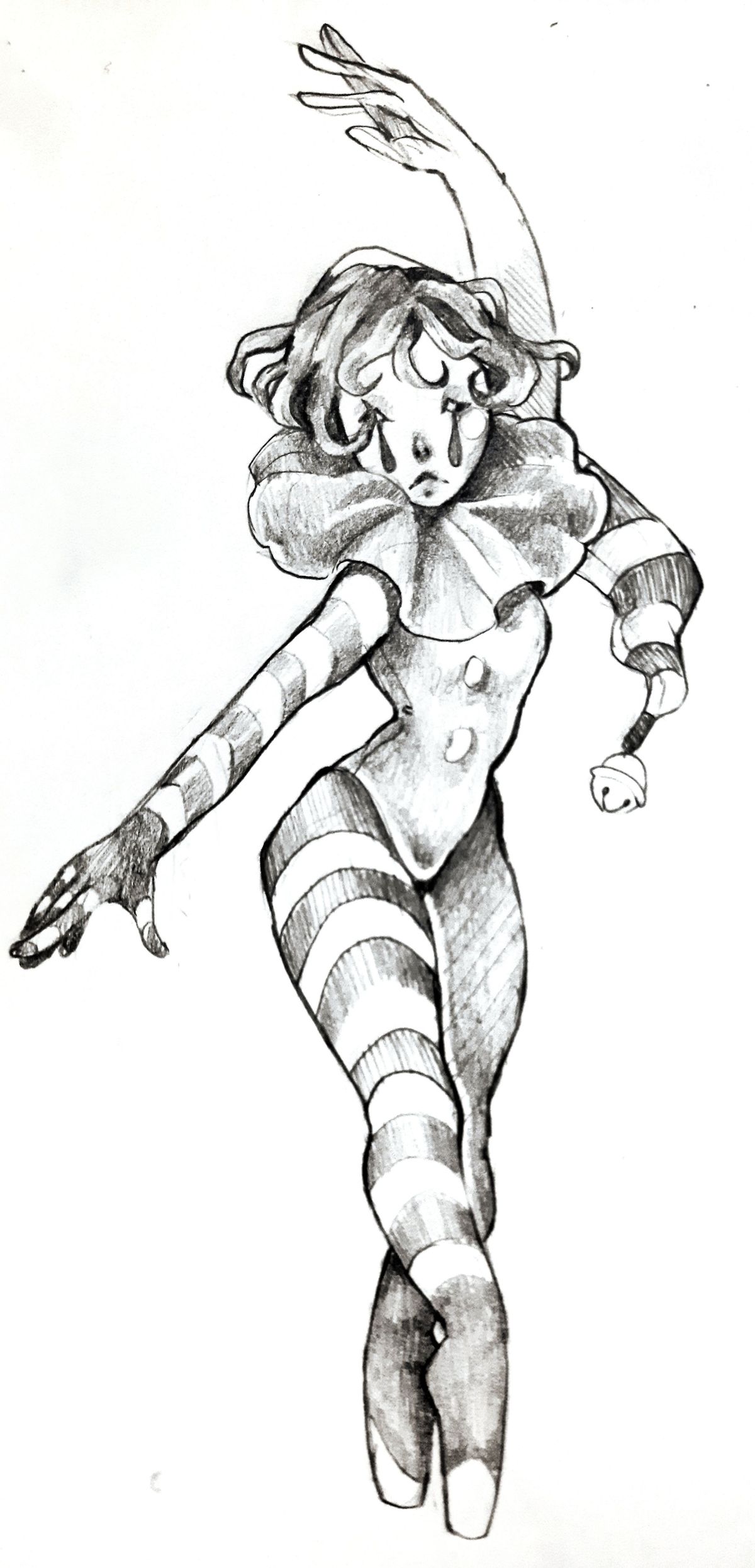
Tiny Dancer
I'm still figurin' out how to transfer my traditional sketches onto a digital platform without losing its quality any tips would be amazing ;-;Nov 18, 2021Comments
this is amazing!! the line variety is sooo good.
i use the hp smart app to scan my drawings, then edit them on snapseed to adjust the contrast/saturation. snapseed also has a brush option for editing certain spots. you just have to make sure you have enough light for the scanner to get clearer detail. i hope this helps!
i use the hp smart app to scan my drawings, then edit them on snapseed to adjust the contrast/saturation. snapseed also has a brush option for editing certain spots. you just have to make sure you have enough light for the scanner to get clearer detail. i hope this helps!
•


I love how clean your sketches are OMG  also, there's this app called notebloc that's free, i believe it's compatible with every platform. It's what i use sometimes to scan my sketches when i'm not too lazy for it hshsh. It works really well so I recommend it for you :)
 also, there's this app called notebloc that's free, i believe it's compatible with every platform. It's what i use sometimes to scan my sketches when i'm not too lazy for it hshsh. It works really well so I recommend it for you :)
•
•Ahhh I love the curved lines in this and the shading?? Fantasticccc. I gave up on posting traditional so I don't really have any tips but honestly this looks pretty good, maybe painting over the spots with white could help it look cleaner? Or on a drawing app cutting the figure out and putting them on a straight white bg

•
•