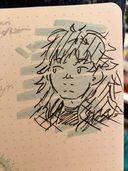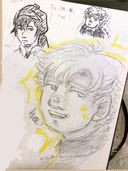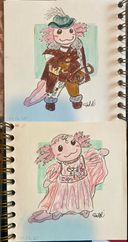


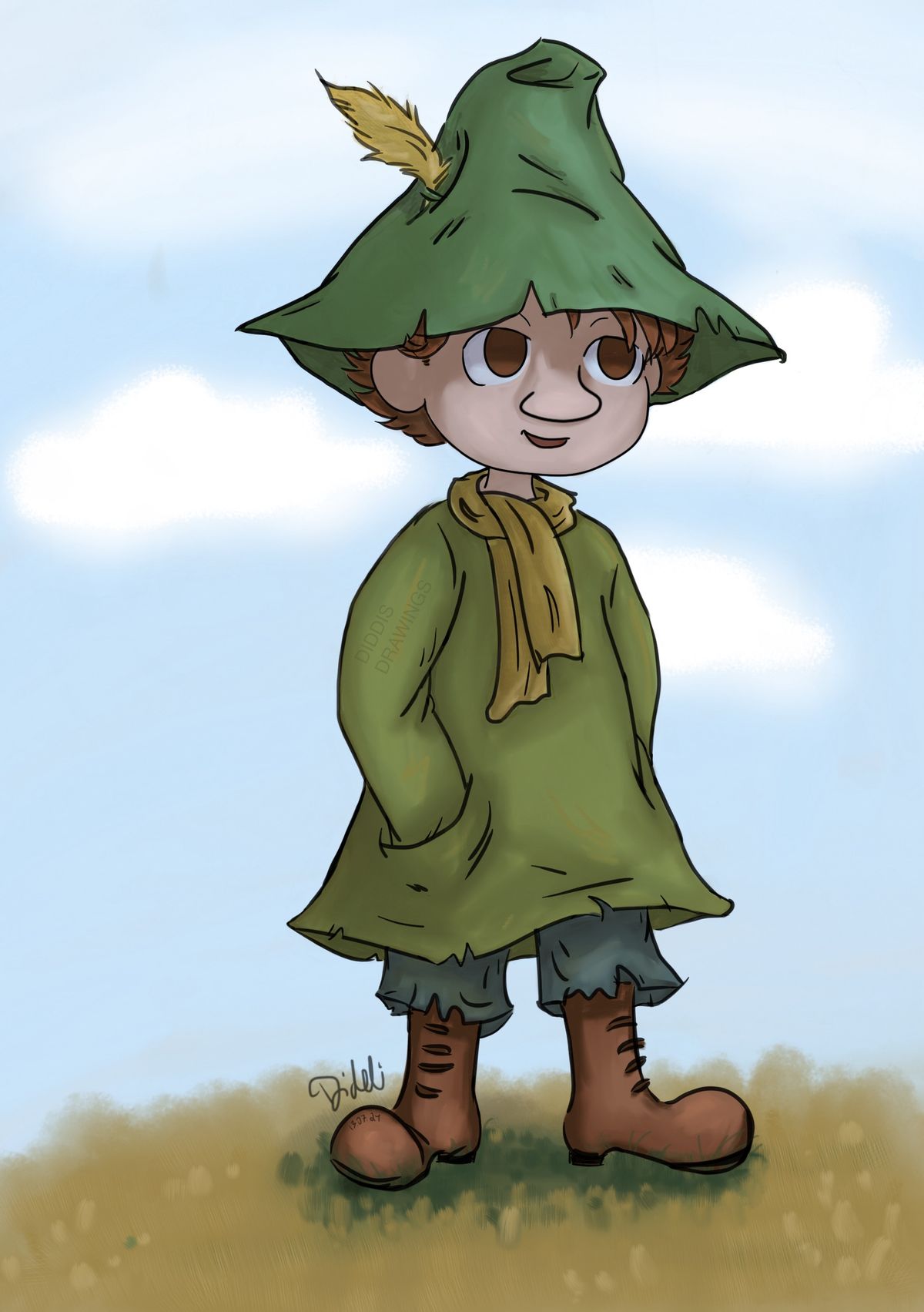
Snufkin 
Having fun with sketchbook app, there’s some features I don’t have tho when i looked up some tutorials, either i’ll have to get the desktop version or pay for full version, but for now i’ll make do with what i do have 
Not sure I like the rendering, the colours look kinda muddy..? spent so much time on it but no idea how to make it look good but think as one of my first proper digital pieces it looks ok.. At least added a background this time xD a lazy one tho, and maybe that’s why the colours look muddy to me now bc as i was working on it I used grey canvas but the blue sky is lighter so now the other colours look darker….
Anyway, I finished this a week ago? But I’m away right now and busy so didn’t get to post until now.
I kinda like this but next time i’ll look at some tutorials first so I actually know how to use thsi app or colour digitally; I started colouring and stuff before trying to find some tutorials so… was kinda hard to make things work,, the rendering and flat colours both
Please give me some critique if you want. Not sure what i’ll be asking for spesifically, maybe just overall how to make the rendering look better? Idk
And colouring and rendering is by far the hardest thing about digital art, think I have to go and draw something traditional now, except some doodling the other day it feels like forever ago since i drew something
As mentioned I’m away atm and will be for ten days so I’ll still be more inactive hereJul 18, 2024
#digital
#snufkin
#moomin
#digitalbeginner
Comments
This is so good! Also yay moomin fanart! Love! And also blend modes as described in 0li0s comment don’t exist in sketchbook app like in some other apps! Desktop might have it tho. In the app, it only has blend modes per brush if you edit them, not per layer, and no clip masks (which are useful to make it easy to add shadow or light within a base silhouette shape by ‘clipping’ the top layer into the flat color layer beneath it). I recommend you try Ibispaint or Medibang (theres a free or a pro Medibang, pro is a more simple interface). And from those see what you like best. But they offer all the basic features you’d want from an art app for the best value (free, but you can remove ads from either for $9 with the pro version of Medi or the ad removal add on in Ibis). Those two (and also Procreate) are simple and straight forward a lot like sketchbook but w more features which makes them easy to learn bc it’s more about the art and less about the digital interface

•
•Snusmumrikken!! Syns dette ble fint jeg! Hvis du vil surre og prøve deg med layers, så er det bare på spørre. Ha lys og skygge på egne, lås layeret, så kan du se hvordan ulike skygge/lysfarger ser ut med ulike blending mode + juster opacity. Og det kommer jo også veldig an på hva slags uttrykk du liker!


•
•Rendering in digital is hard! The best advice I ever got though was to make a values layer. Idk how you would do this in Sketchbook, but in Clip Studio and Photoshop you fill a layer on top with black, and then select a blending mode that causes your drawing to appear but in black and white. (It's usually "Color") This shows the values of your art which helps you give it enough contrast to avoid muddiness.
Another thing I learned studying painterly artists like CelestialFang and Sui Ishida is that shadows can be all kinds of colorful and it's a good idea to try different colors than the main objects, see what happens. Those artists go a lil crazy with colors sometimes!

Another thing I learned studying painterly artists like CelestialFang and Sui Ishida is that shadows can be all kinds of colorful and it's a good idea to try different colors than the main objects, see what happens. Those artists go a lil crazy with colors sometimes!
•
•Figure out what is your light source! It would enhance your drawing if you have to know where the sun is coming from.
It looks that character is under some cloudy skies, so make that’s why it looks muddy and desaturated.
Choose a type of palette that you think would add to the character’s expression.
1. Add more warmer colors to add some warmth from the sun. Find references or Youtube tutorials how a person looks under cloudy sunny skies.
Or
2. If you want to do a cooler palette to enhance mystery of your character. Find specific cooler references or tutorials on YouTube dimmed lighting during cloudy skies hiding the sun.
Hope this helps.

It looks that character is under some cloudy skies, so make that’s why it looks muddy and desaturated.
Choose a type of palette that you think would add to the character’s expression.
1. Add more warmer colors to add some warmth from the sun. Find references or Youtube tutorials how a person looks under cloudy sunny skies.
Or
2. If you want to do a cooler palette to enhance mystery of your character. Find specific cooler references or tutorials on YouTube dimmed lighting during cloudy skies hiding the sun.
Hope this helps.
•
•I would suggest harsher shadows to make more contrast. Other than that, I think you’re golden

•
•More from this artist